
How WellCheck Works
A complete walkthrough of setup, customization, and emergency features
A complete walkthrough of setup, customization, and emergency features
Welcome screens walk you through the basics and explain how WellCheck keeps you safe
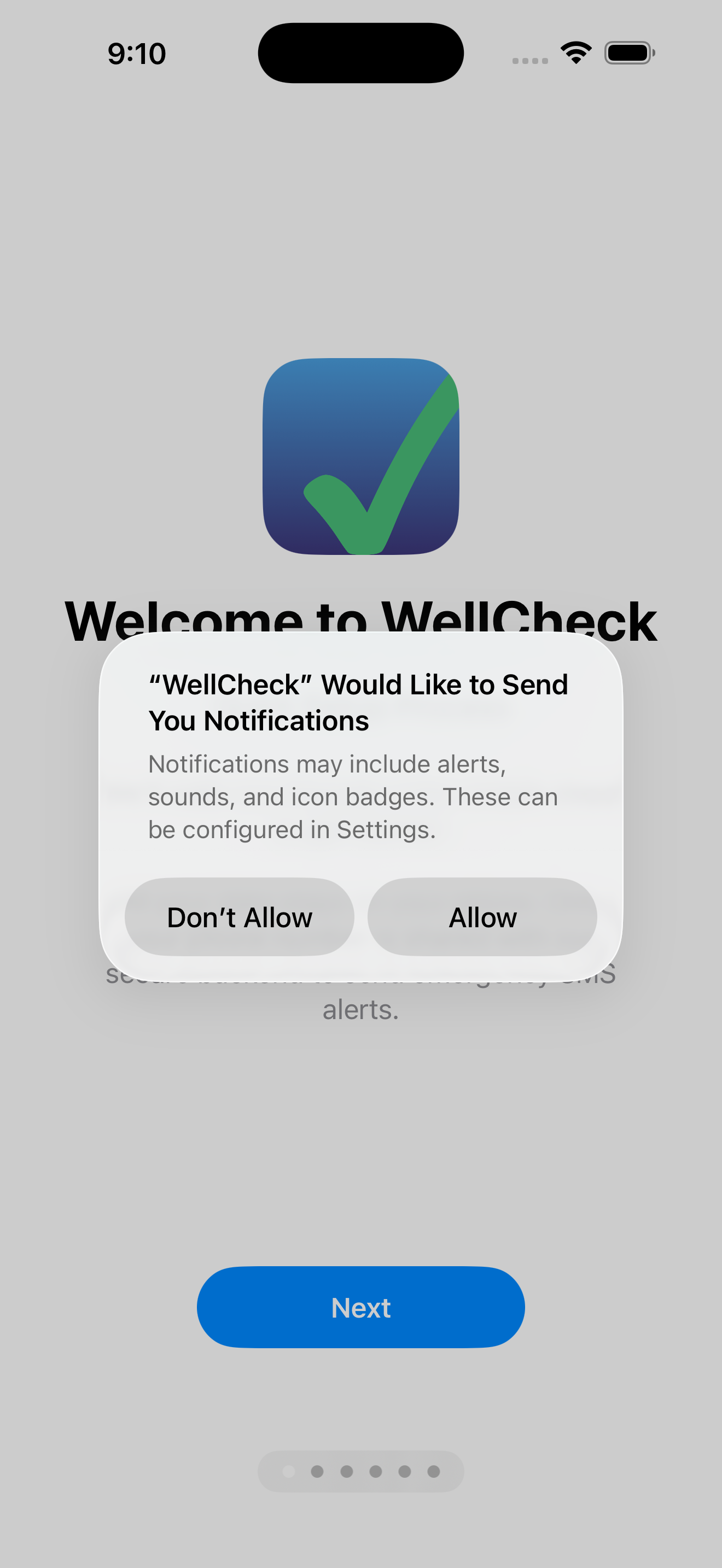
Welcome to WellCheck
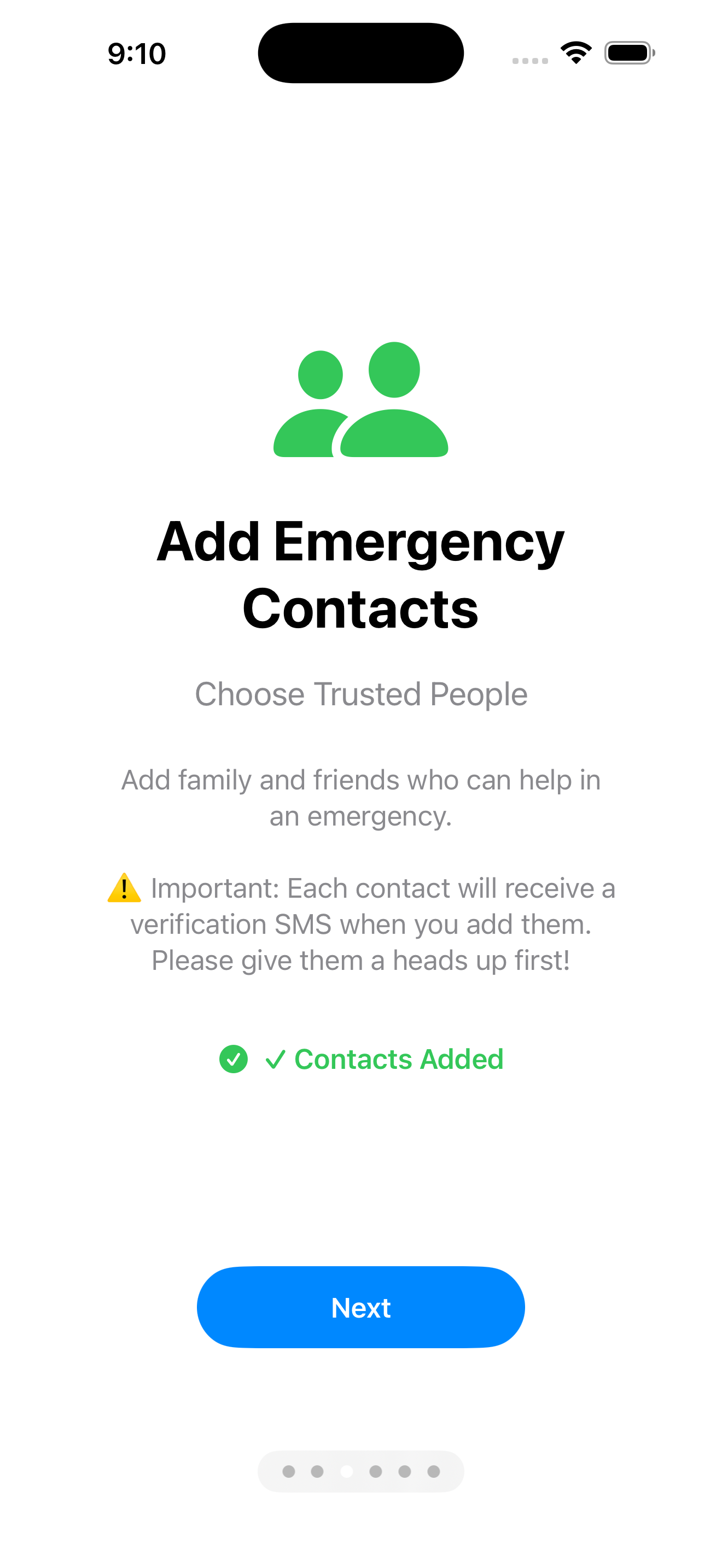
Emergency safety features
Add trusted adults and customize how they appear in the app
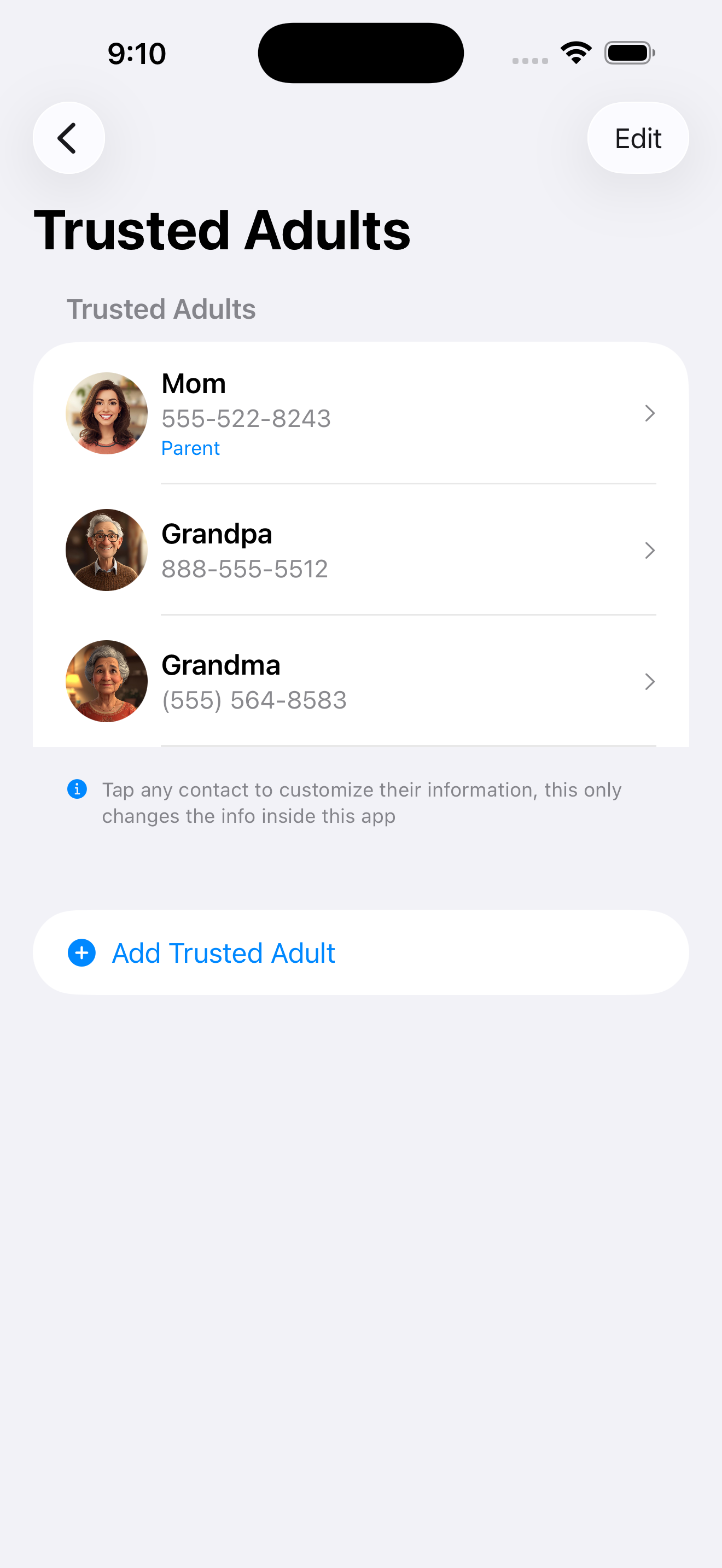
Add trusted adults from your contacts
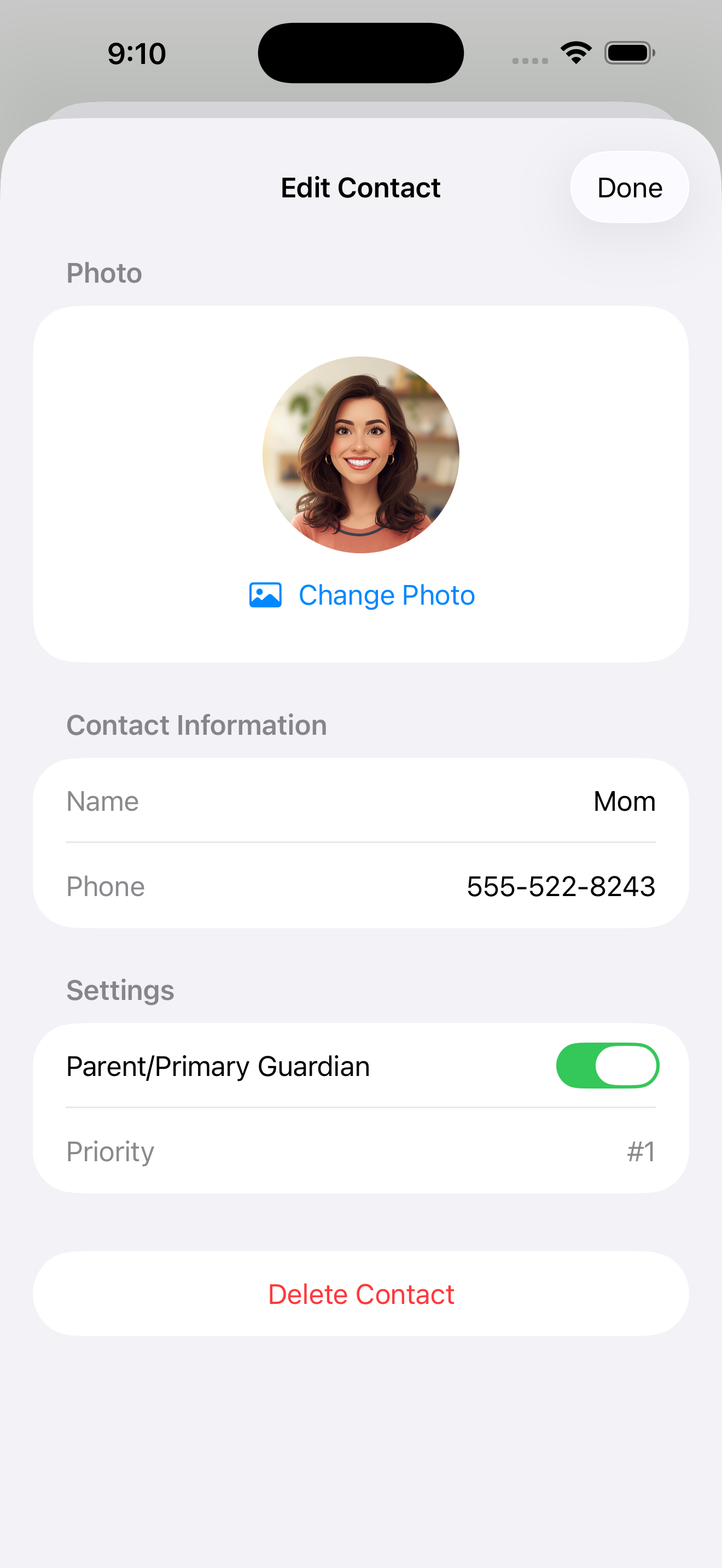
Customize names and photos
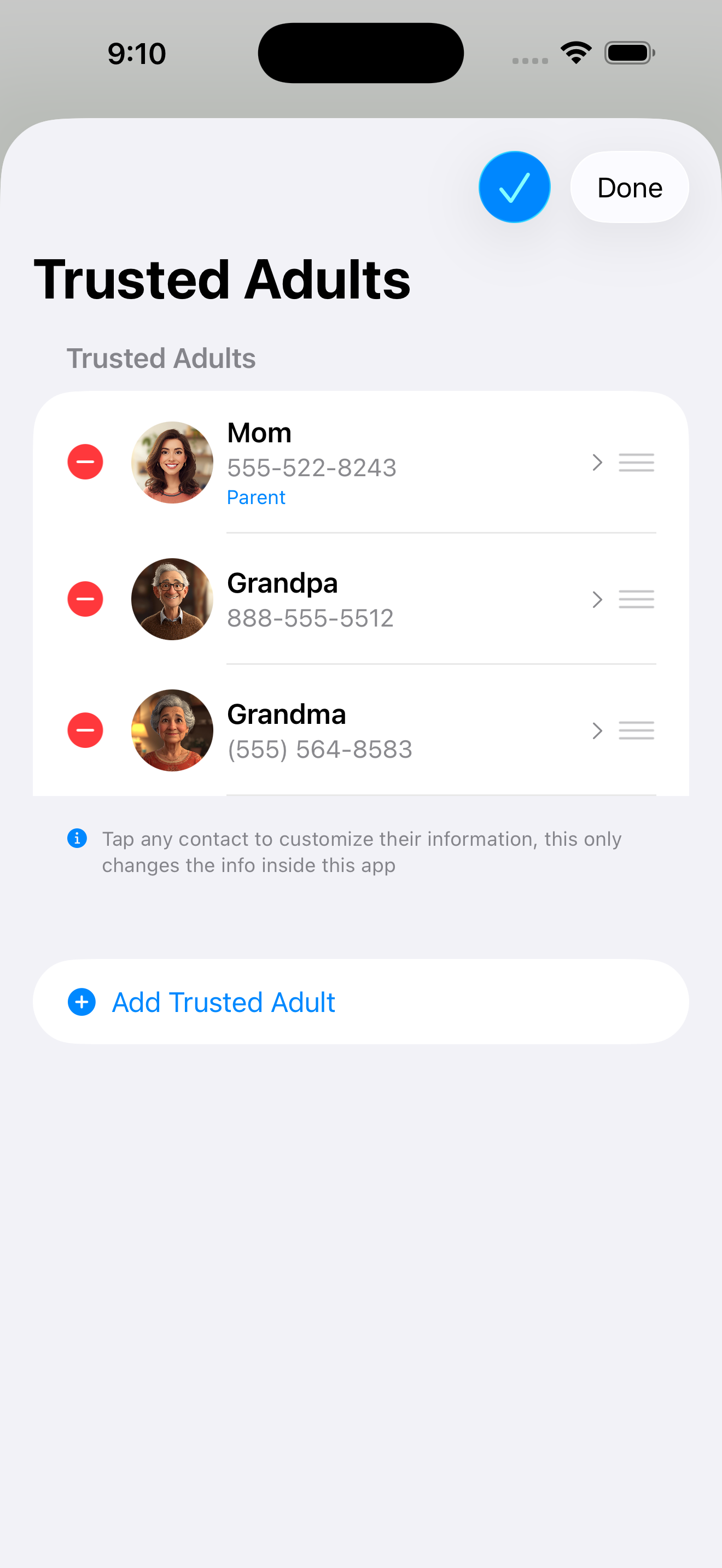
Set priority order
Flexible scheduling that fits your lifestyle - not the other way around
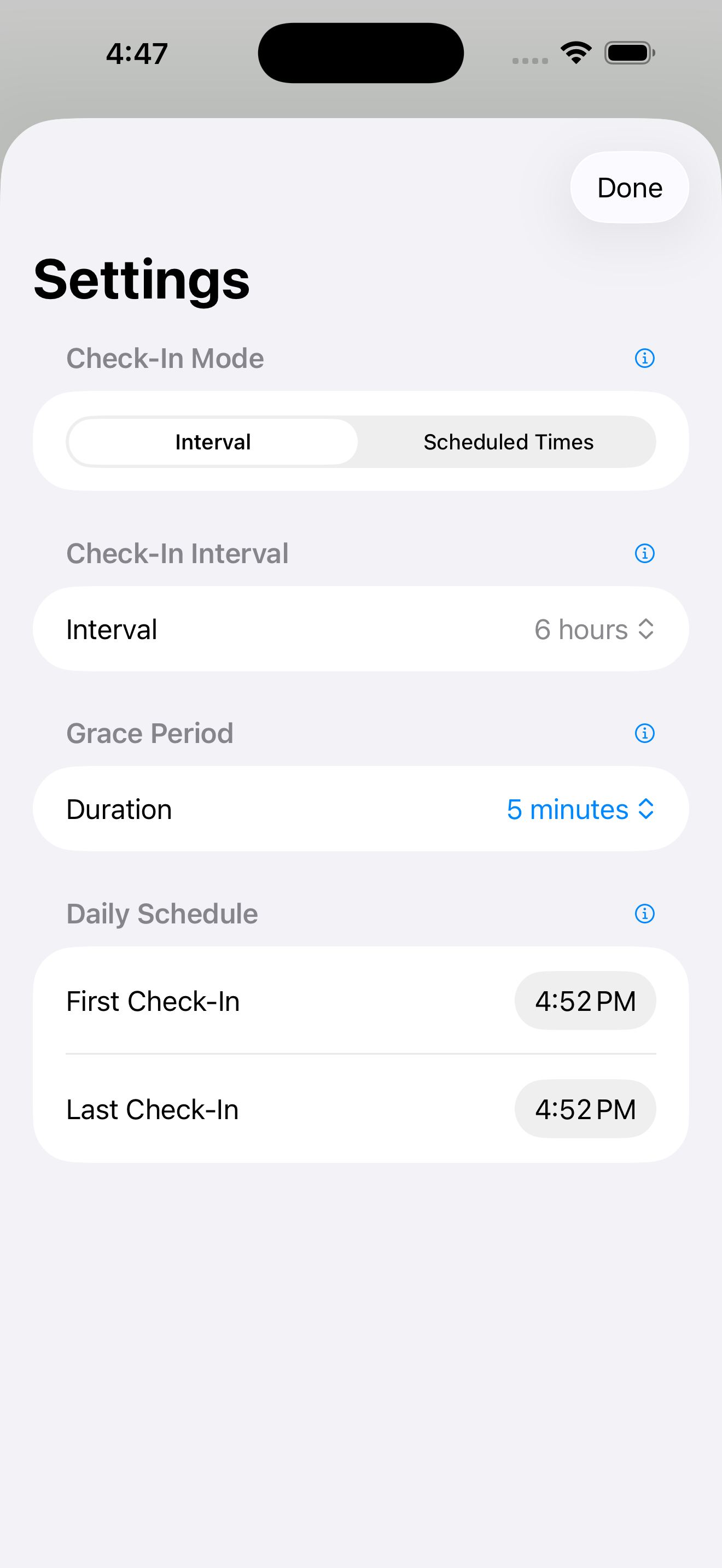
Interval Mode: Check in every X hours
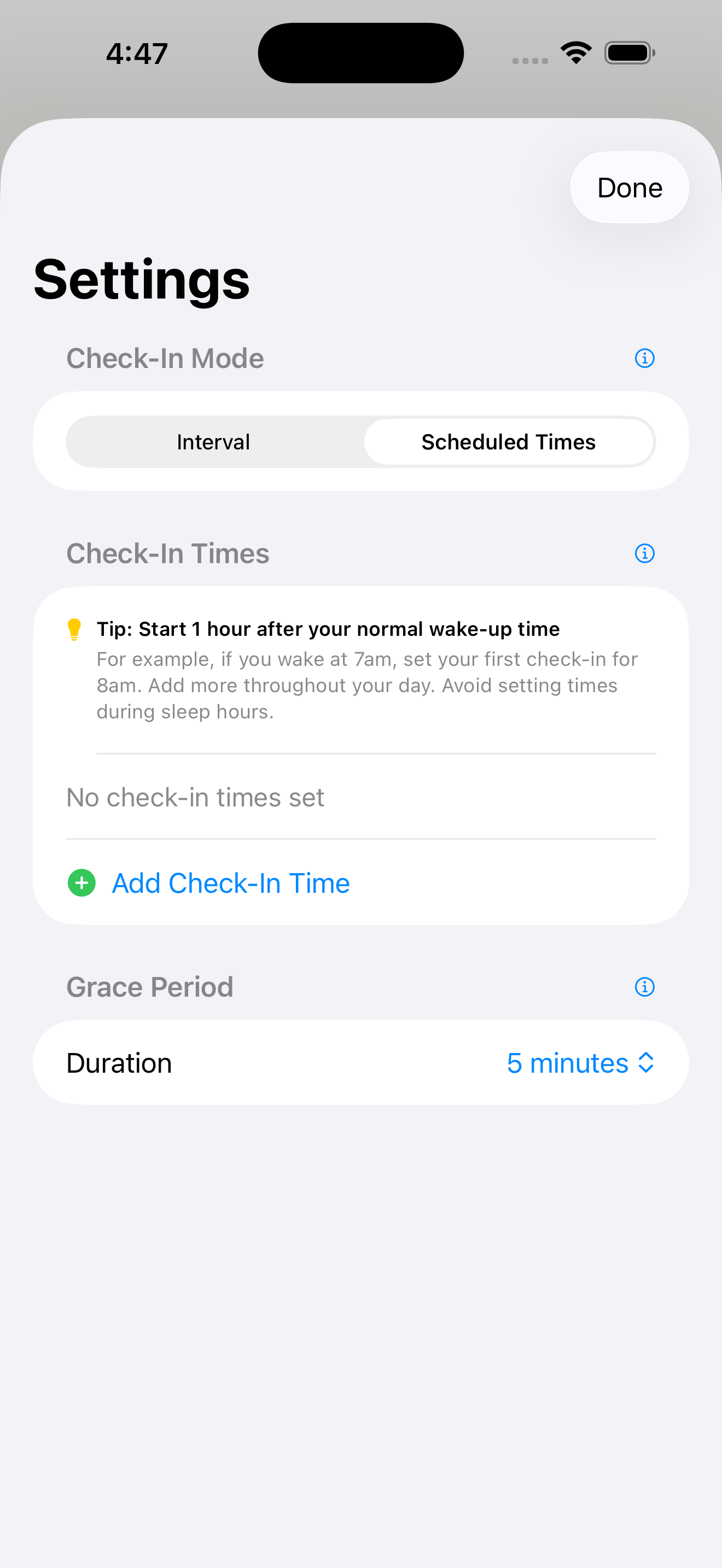
Scheduled Times: Specific check-in times
One tap when reminded, then go about your day with peace of mind
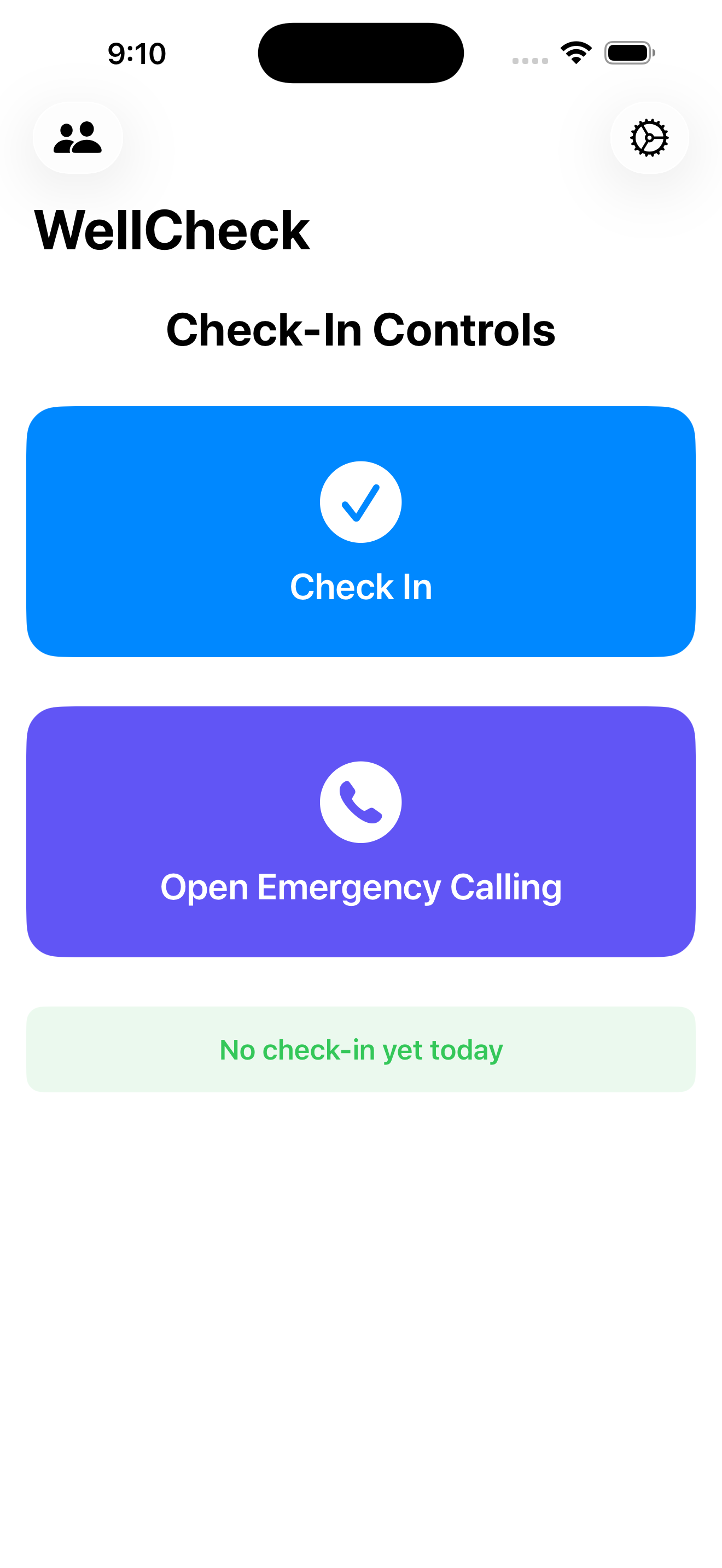
Simple one-tap check-in
Friendly check-in reminders
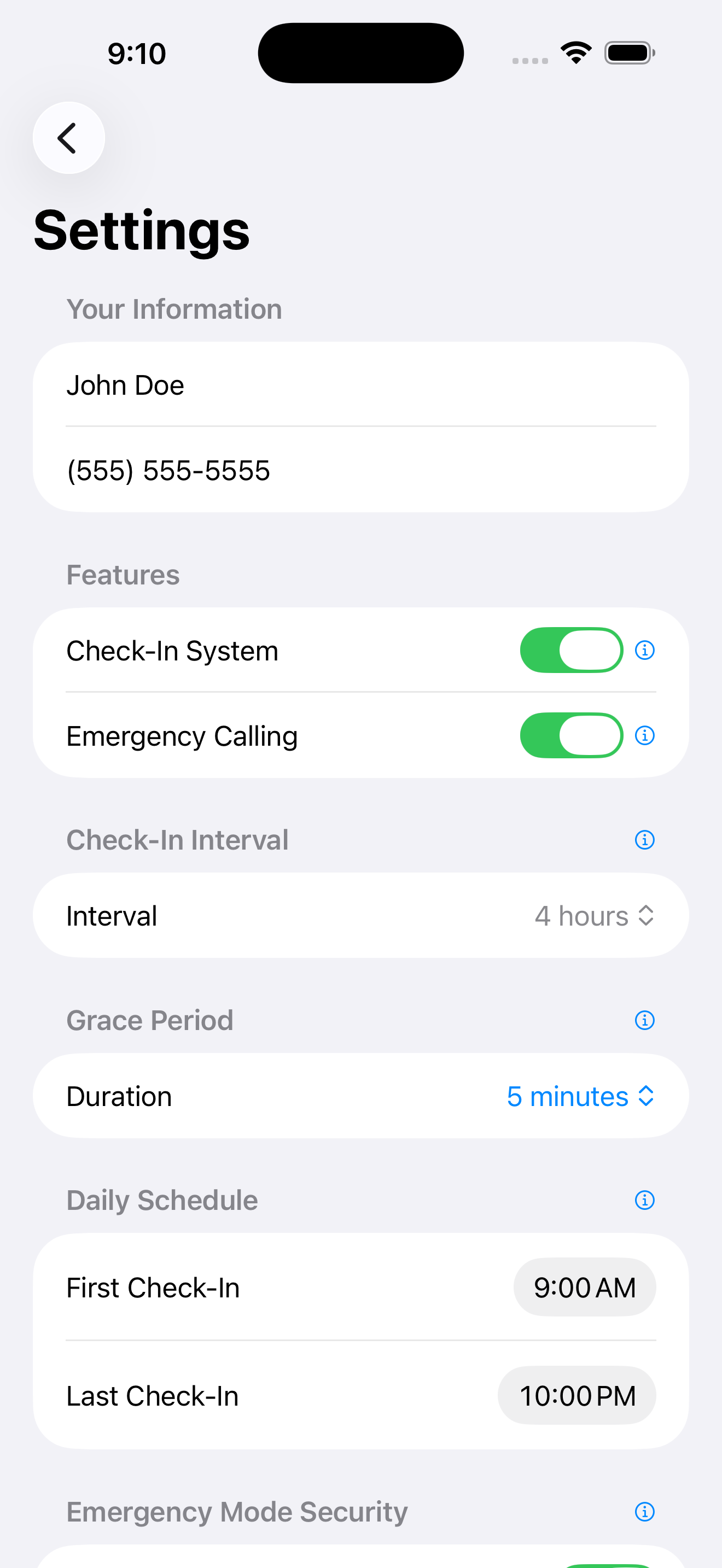
Adjust your schedule anytime
WellCheck automatically alerts your contacts via SMS. If the phone is opened, emergency calling appears immediately.
Automatic SMS to your contact list
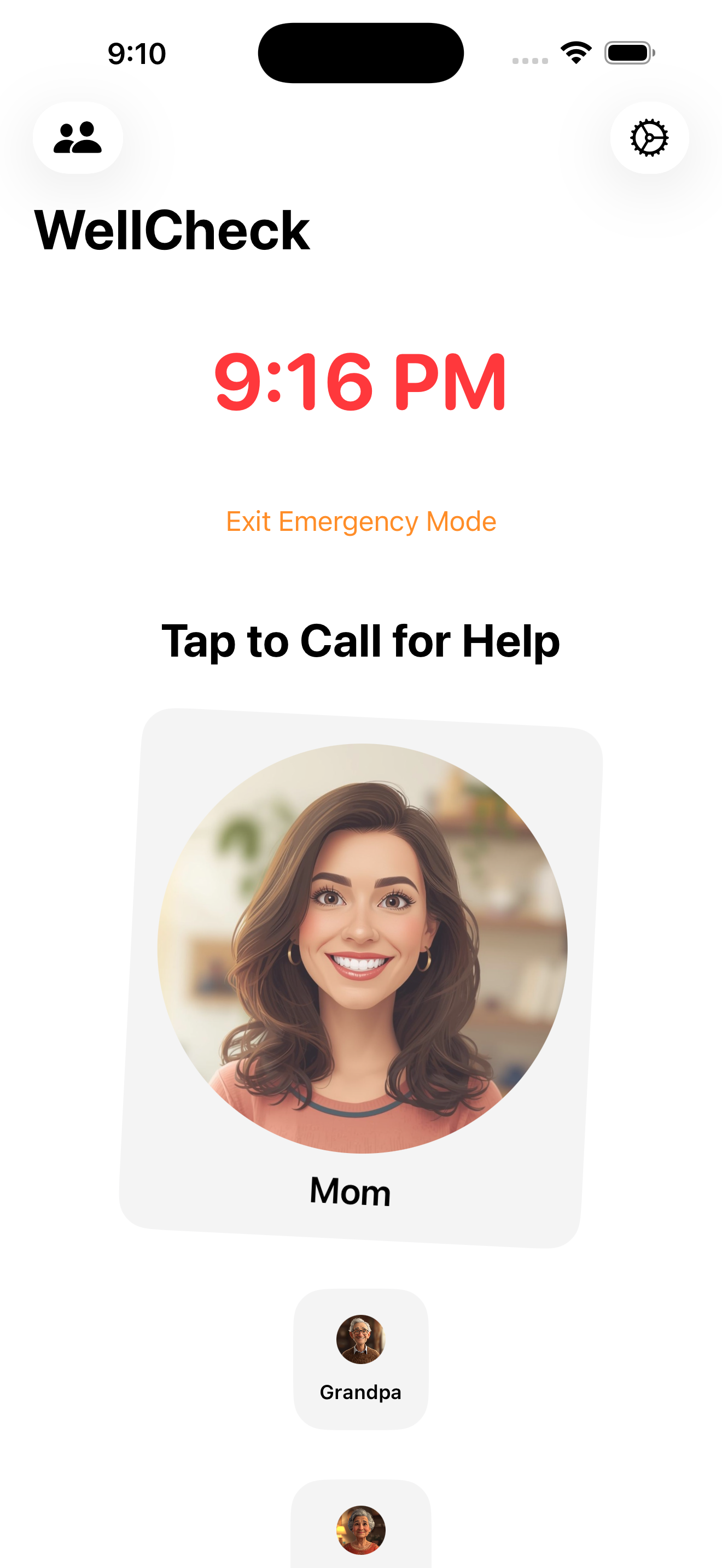
Emergency calling interface activates
Emergency calling demo - tap play if it doesn't start automatically
Pre-activate emergency calling before bed - kids can access help if something happens overnight
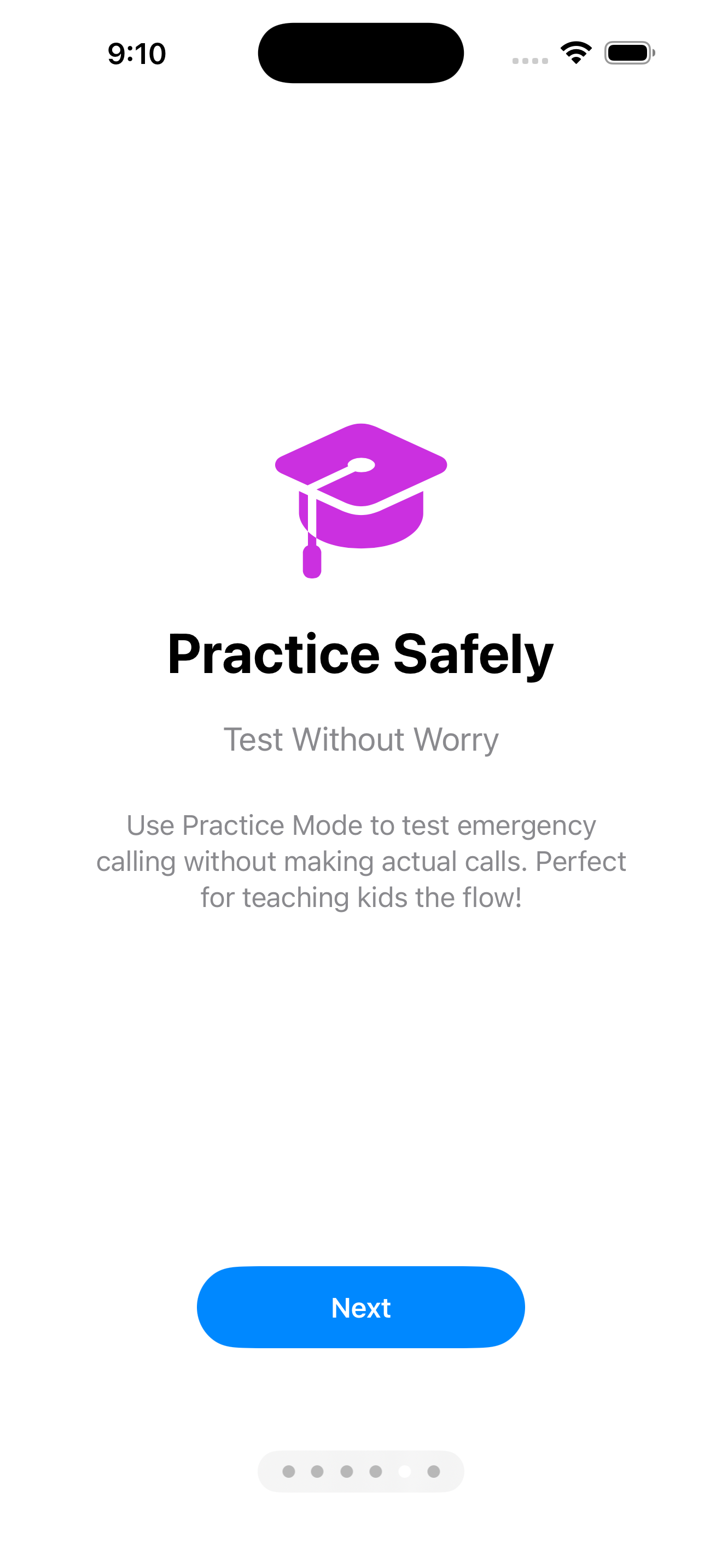
Night Mode: Lock screen with emergency contacts
Kids tap family photos to call for help
Practice mode, 911 access, and more
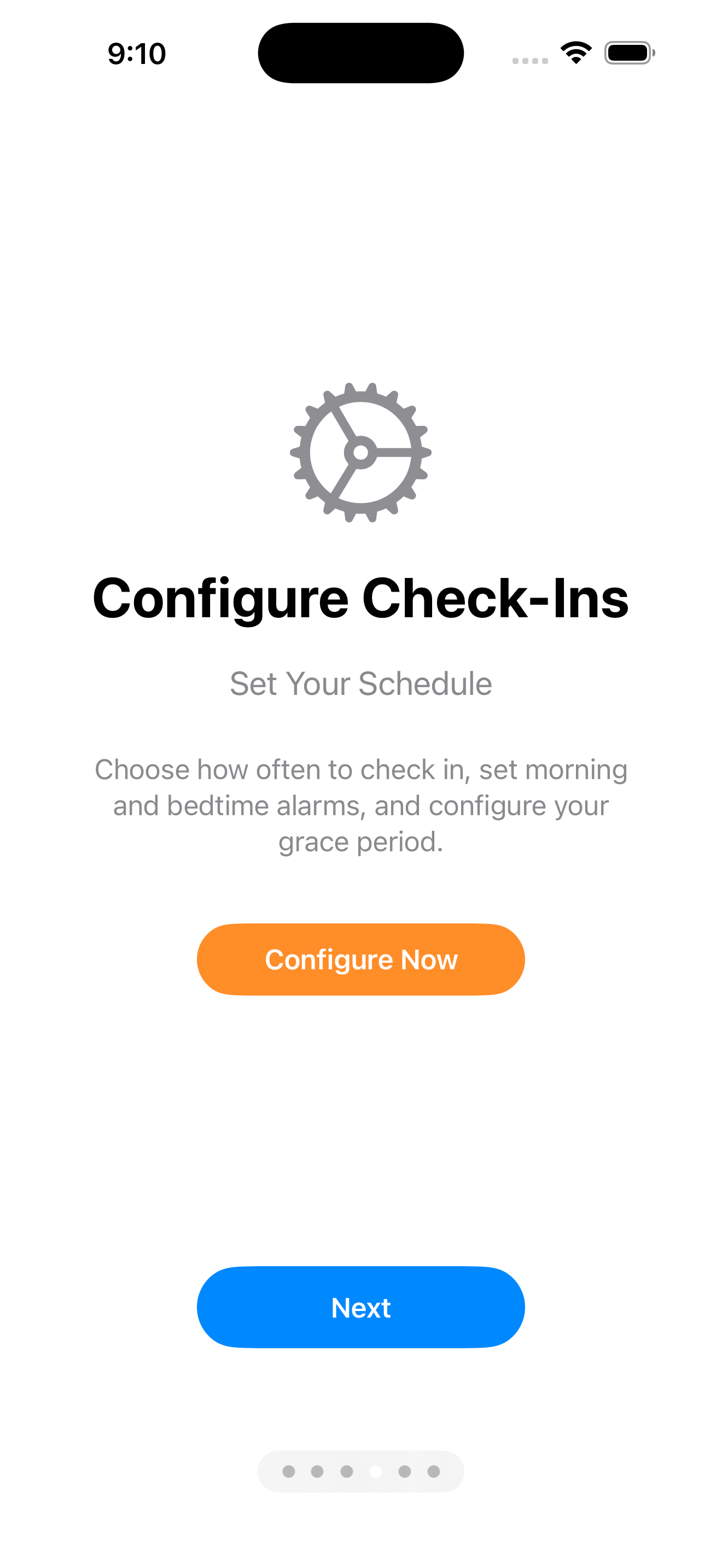
Practice Mode: Test without making calls
911 Access: Always available as backup
Your personal information stays on your device - we only store what's absolutely necessary for SMS delivery
Join the waitlist to be notified when WellCheck launches on the App Store